RotoSpider manual › Start here
What RotoSpider does
Describes RotoSpider Web App 0.8.13 and Desktop 0.8.14 · checked 2026-09-13 D5
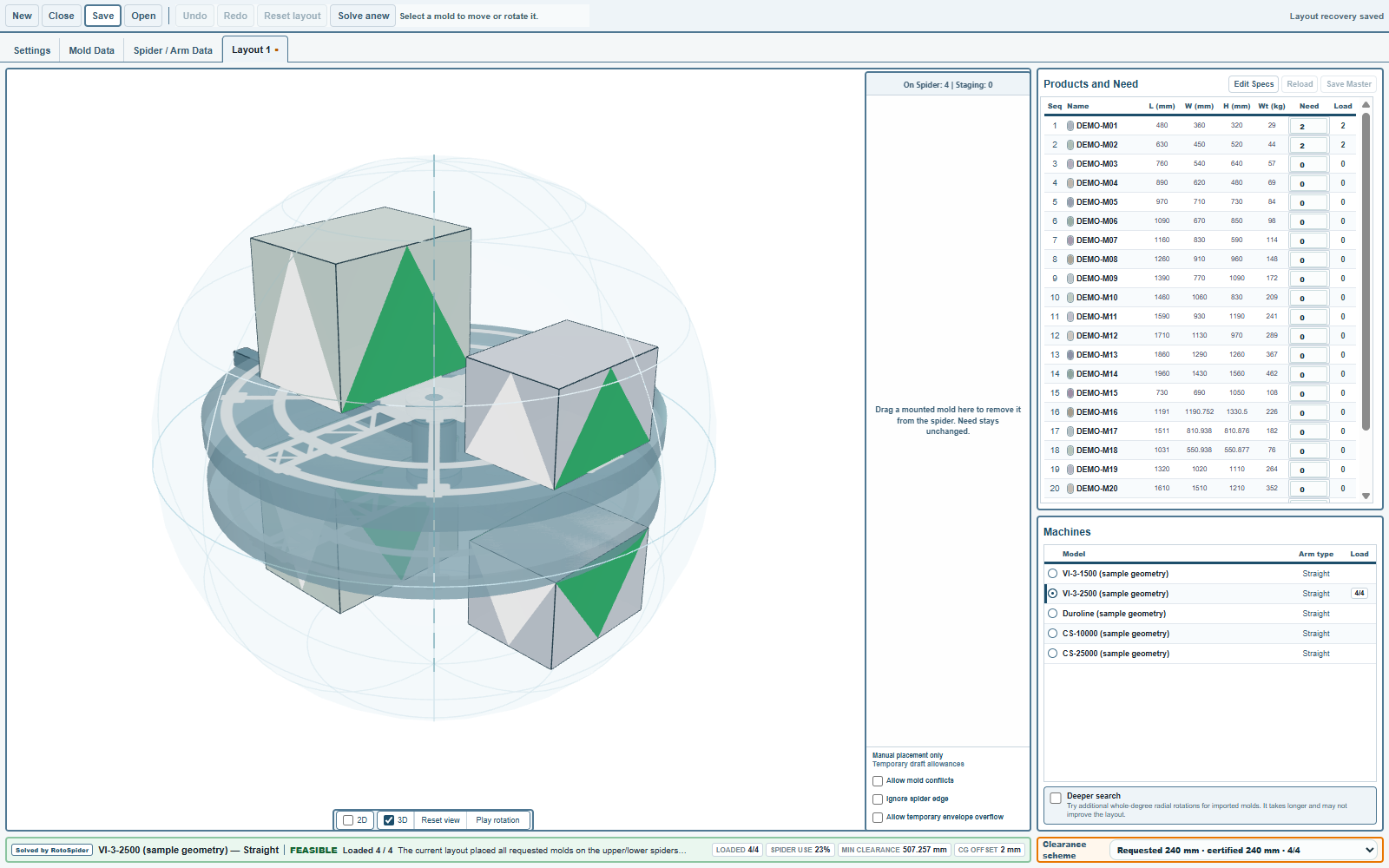
RotoSpider works out how to load molds onto the arm of a rotomolding machine. You describe the machine's arm and spider, the molds you own and how many parts you need, and it places the molds on the spider so that they fit inside the arm's rotation envelope, keep the clearance you ask for, and stay in balance. You get a layout you can look at in 3D, adjust by hand, save, and compare with another machine.
Two ways to use it
The web app at rotospider.app runs in the browser with nothing to install. It has the full layout engine, two sample arms (a straight one and an offset one), every mold shape, and manual editing. Use it to try RotoSpider on a real problem in an afternoon.
The desktop app for Windows, macOS and Linux adds what a factory needs day to day: your own master data workbook with your machines and molds, layout files you can save and reopen, comparing layouts across machines, importing a CAD file of a complex mold, and support bundles. This manual describes the desktop app and says so where the web app differs.
What you need before you start
- The measurements of each machine arm you want to load: the spider diameter, the rotation envelope, and for an offset or L arm its horizontal envelope and spider offset. The chapter on setting up your factory's data walks through each one.
- For each mold: its footprint and height, its weight, and how many of it you own.
- How many parts you need to make of each product.
That is enough for a first layout. Shapes other than a plain box, clearance rules, and risers come later and can be added at any time.
RotoScheduler is a separate product
RotoScheduler plans production for the whole factory, run by run, on top of RotoSpider's layouts. It has its own manual and tours on the documentation page. Nothing in this manual is needed to use it, and nothing here describes it.
Comments and questions
The app's rules are our reading of the physics; where your plant knows better, the app changes.