Skip to the Web App

RotoSpider rotational molding layout Web App

Planning around real mold shapes

Each mold gets one shape: Box, Cylinder, L shape, triangle, wedge, tapered cylinder, drawn footprint, or a prepared complex shape.

The Web App builds the L shape, triangle, wedge, tapered cylinder, and drawn footprint from measurements, and opens prepared .rotogeom or .rotoshape files. A STEP file is prepared on the Windows desktop; the same shape is then used on Windows, Linux, Mac, and in the browser.
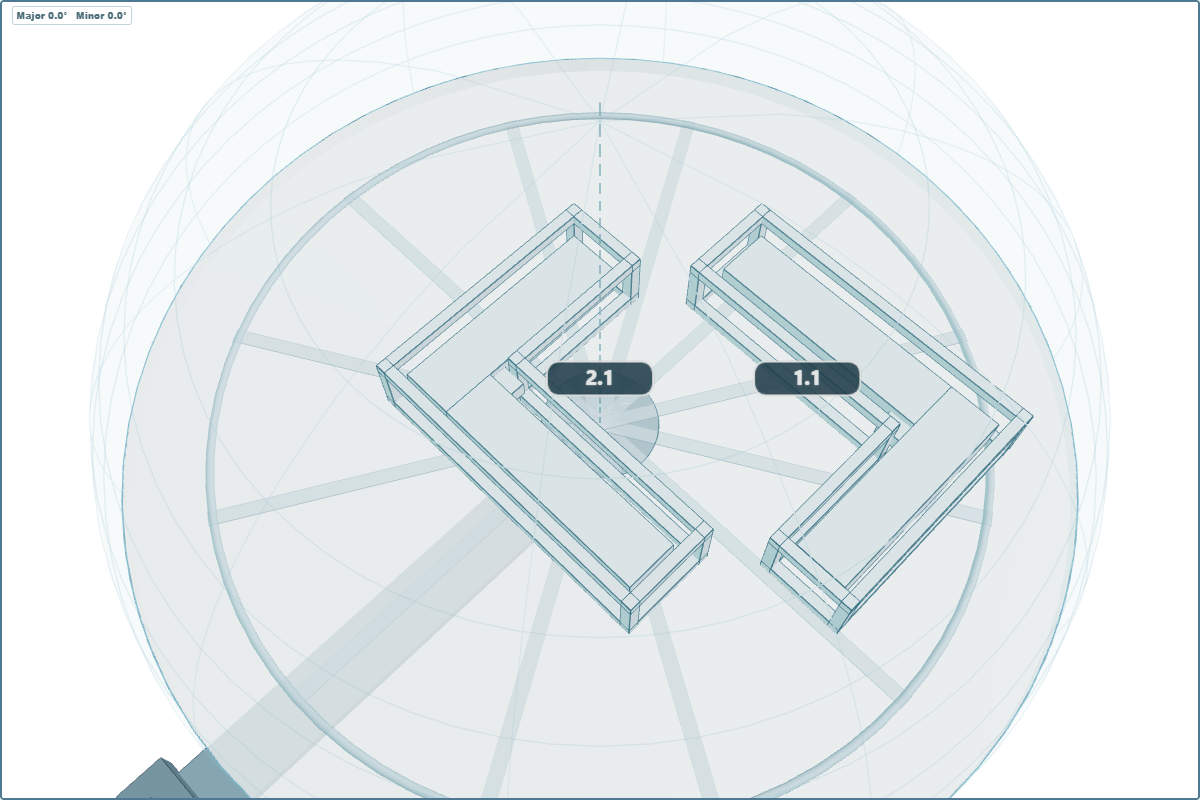
Two L-shaped molds interlocked on matching L-shaped mounting frames
Interlocking L-shaped molds with matching mounting frames.
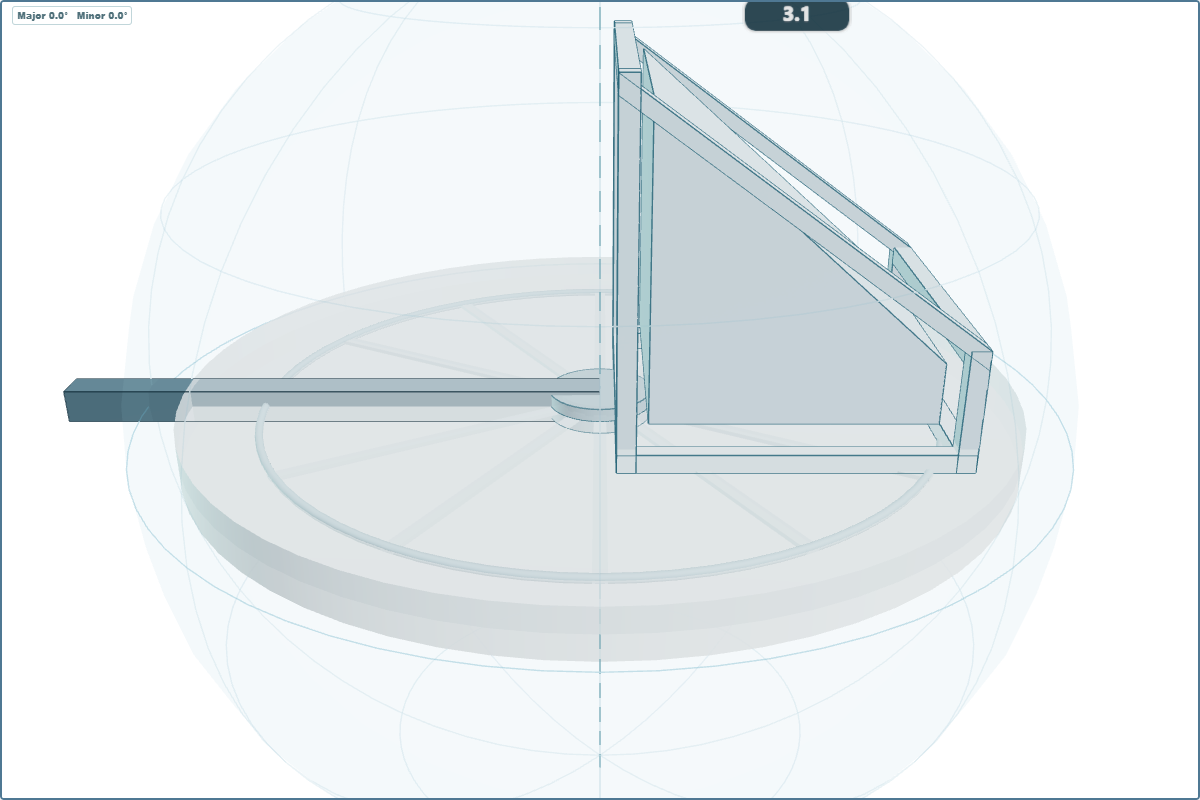
Slope-shaped mold positioned near the spider border and aligned with the spherical envelope
A slope-shaped mold positioned close to the spider border and aligned with its spherical envelope.
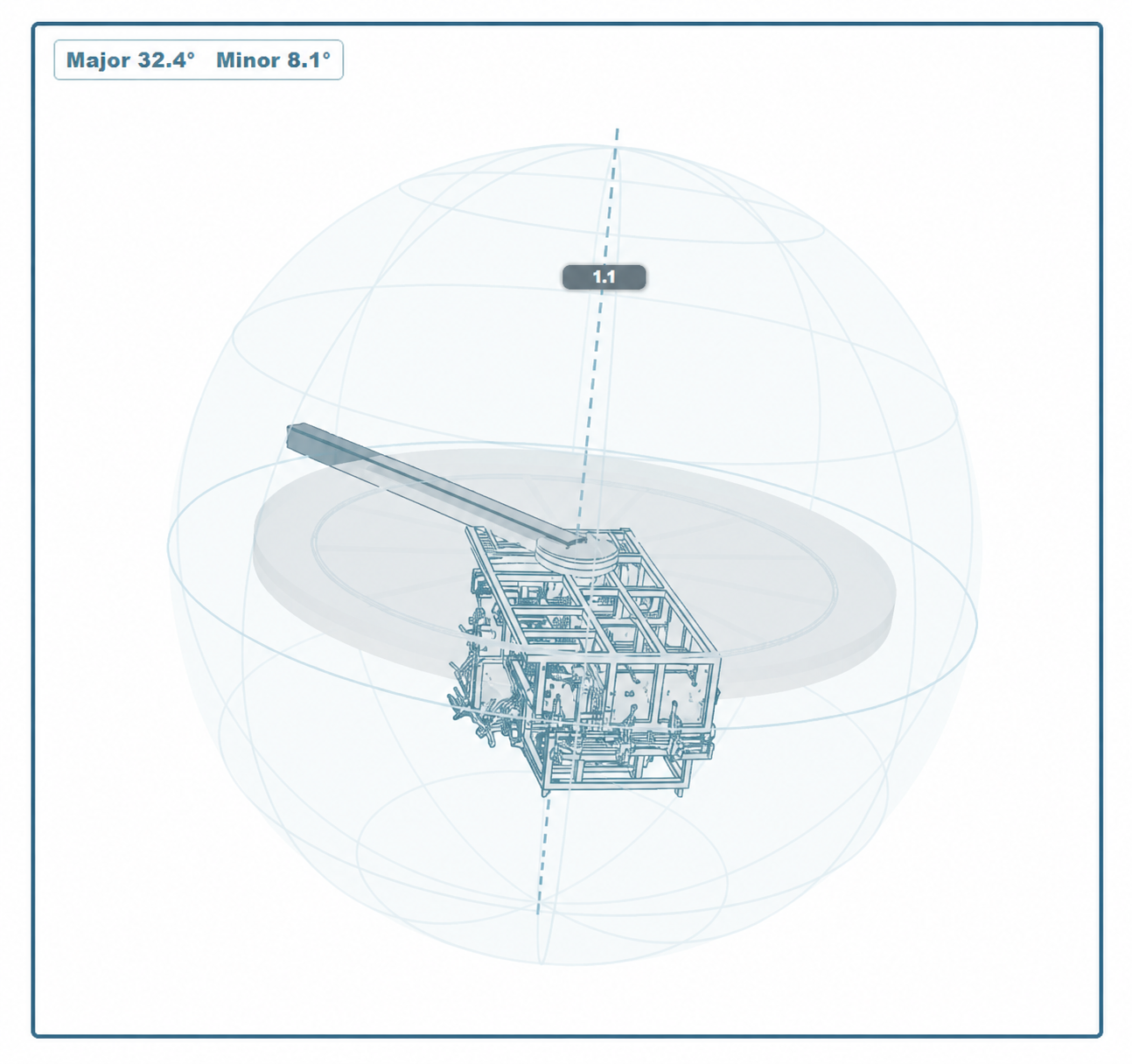
Imported complex open-frame mold mounted on a RotoSpider spider inside the 3D rotation envelope
An anonymized complex CAD shape imported and mounted on the spider.