RotoScheduler manual › Documents and files
Export a machine-day or a week
Describes RotoScheduler 0.3.3 · checked 2026-10-19 D5
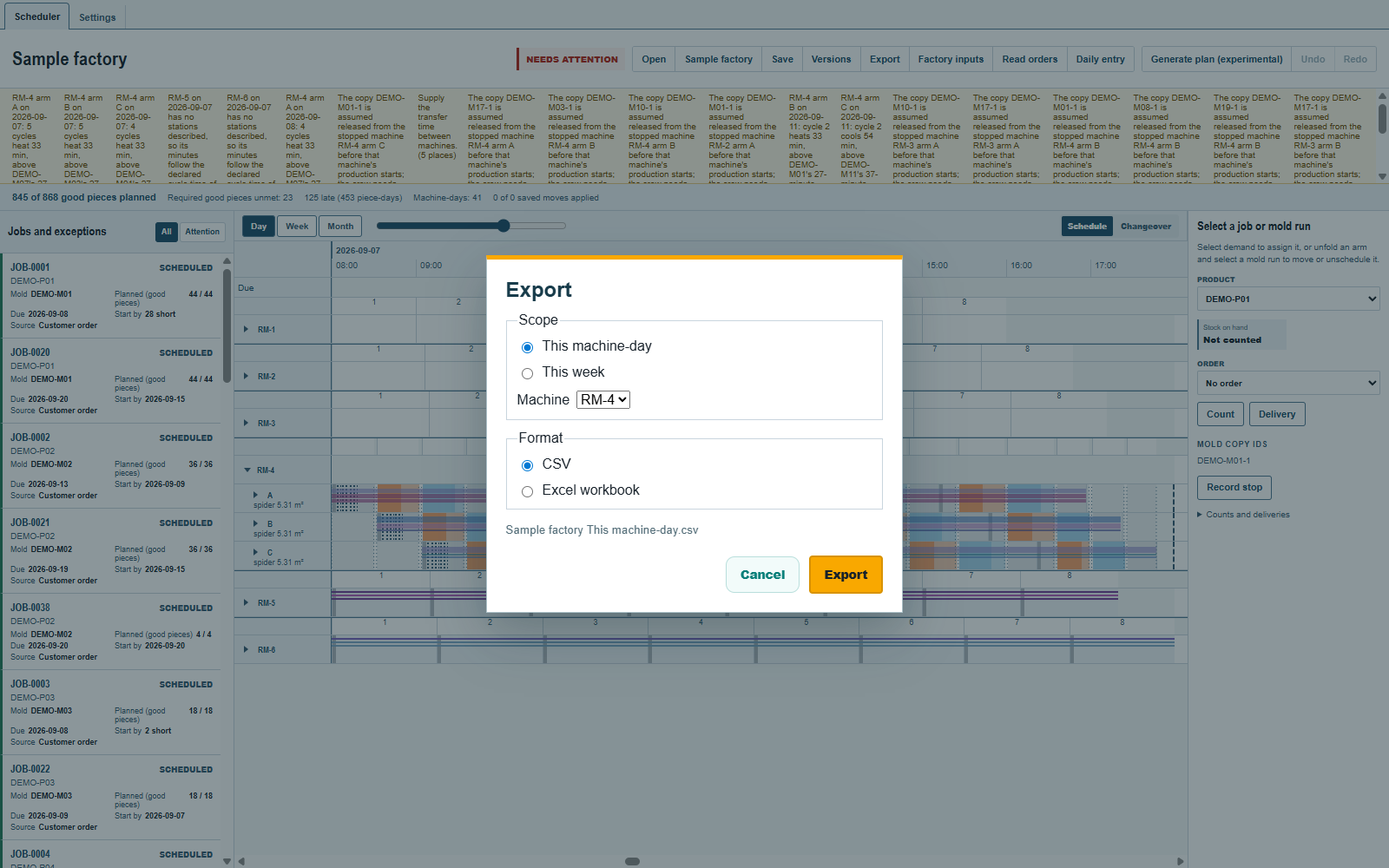
For one machine-day:
- Show September 7 in
Dayand clickExport. - Choose
This machine-day, selectRM-4underMachine, and chooseCSVorExcel workbook. - Click
Exportin the dialog, then choose the file's location.
The sheet prints each order's number, its customer where one is typed, and its good pieces, by arm and cycle. When the day or one of its molds carries a note, a Notes row follows the heading (Notes that stay).
A machine-day with a dispatch in force exports what that dispatch issued: its times, molds, copies and orders, even if the plan or orders have changed since. The header's turns and changeovers are today's.
Once a machine-day has been dispatched, Changed since dispatch names the first dispatch on each changed row. Removed work is listed below the table, and the header names the first dispatch and the dispatch in force. The column and the first dispatch in the header appear only while something has changed. Further dispatches keep that first reference. A machine-day with no dispatch in force exports the plan, including one never dispatched.
A week
Show a date in that week in Day. In the export dialog choose This week and Excel workbook. Starting from September 7 exports September 7 to 13. The workbook holds a week overview and a sheet for each open machine-day in that week; CSV writes the overview as one sheet.
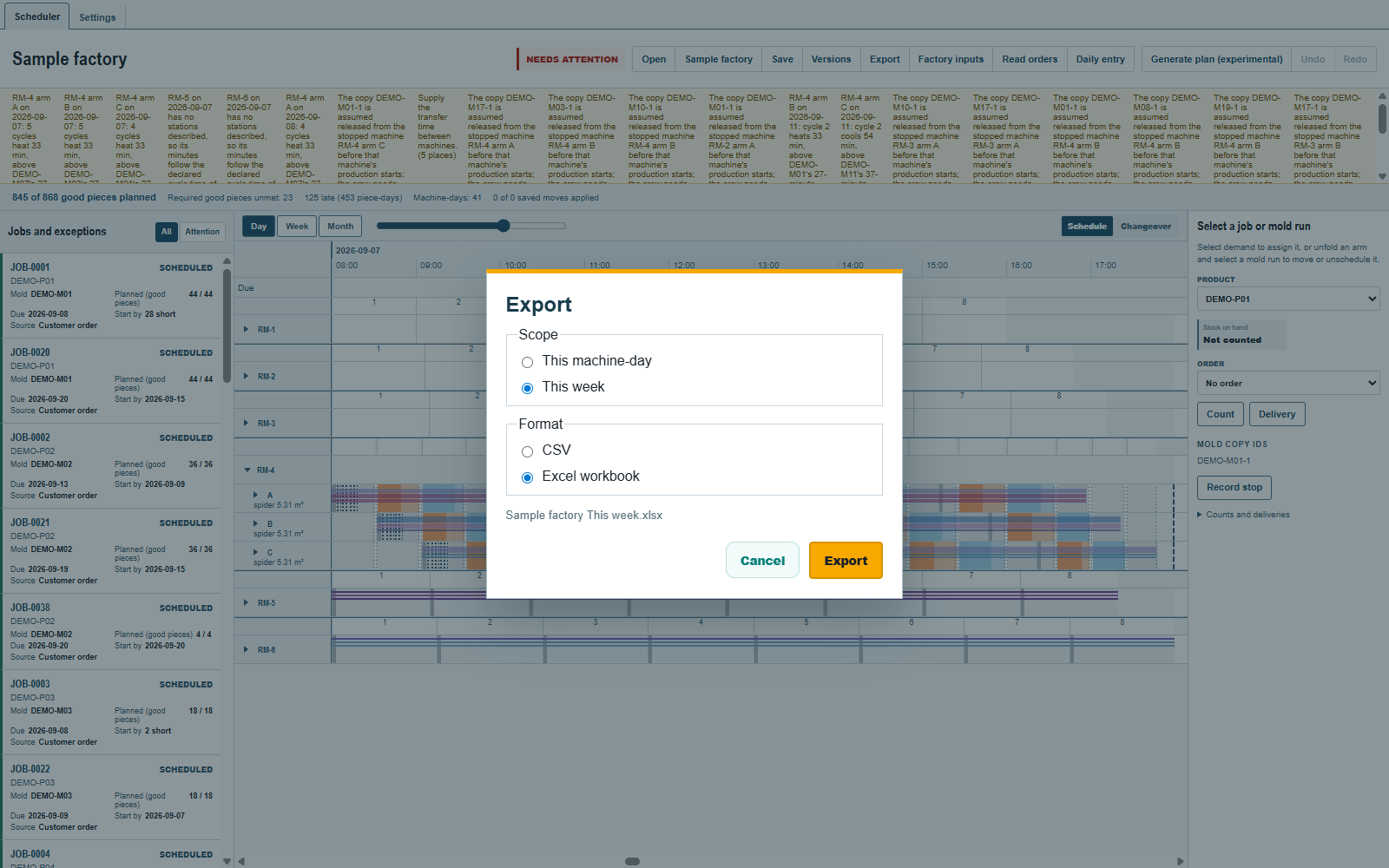
Use Day to choose a particular seven-day week before exporting; at broader scales This week covers the plan's full date range. Exported sheets are for reading or handing over. To reopen and continue editing, use the saved schedule .json, see Save and reopen a plan.
Comments and questions
The app's rules are our reading of the physics; where your plant knows better, the app changes.